
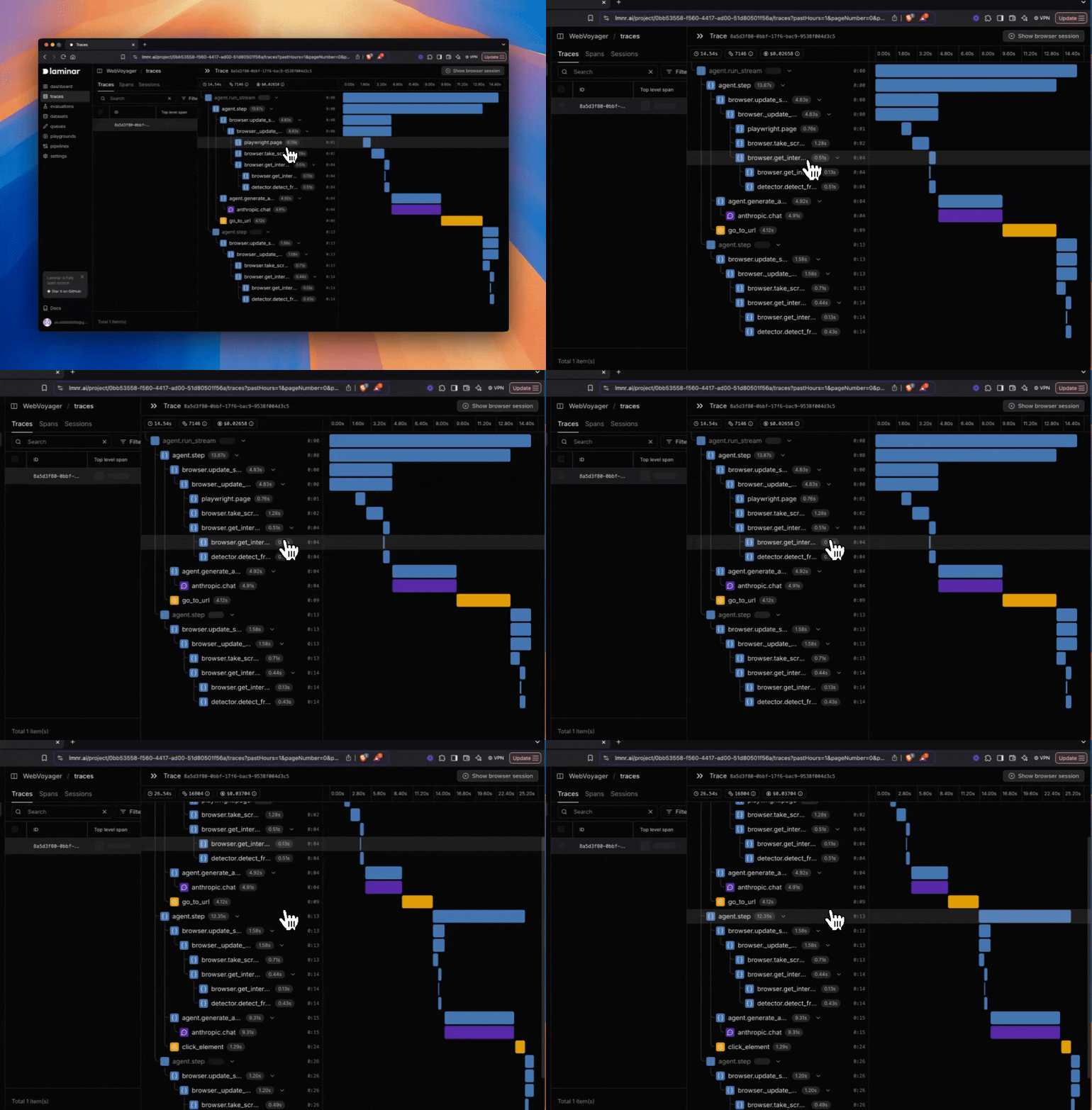
How to use it
- Trigger a run that produces traces.
- Open the trace in Laminar.
- Keep the trace open—new spans will appear as they’re exported.
Reduce delay (development)
Laminar batches spans for performance by default, which can add a small delay between a span ending and it appearing in the UI. For faster updates during development, disable batching:- TypeScript
- Python
Disabling batching increases export overhead. Keep batching enabled in production, and flush spans explicitly for short-lived processes. See Flushing spans and shutting down.