import { LaminarClient, Laminar, observe } from "@lmnr-ai/lmnr";

const laminarClient = new LaminarClient({
  projectApiKey: "your-project-api-key",
});

let traceId: string | null = null;
let spanId: string | null = null;

// First, capture your LLM calls
await observe(
  {
    name: "chat_completion",
    input: { messages: [...] },
  },
  async () => {
    // Your LLM call here
    const output = { content: "AI response" };

    // Capture IDs while we're inside span context
    traceId = Laminar.getTraceId();
    spanId = Laminar.getLaminarSpanContext()?.spanId ?? null;

    return output;
  }
);

// IMPORTANT: Flush data to ensure it reaches the backend
await Laminar.flush();

if (!traceId || !spanId) {
  throw new Error("No recorded trace/span found");
}

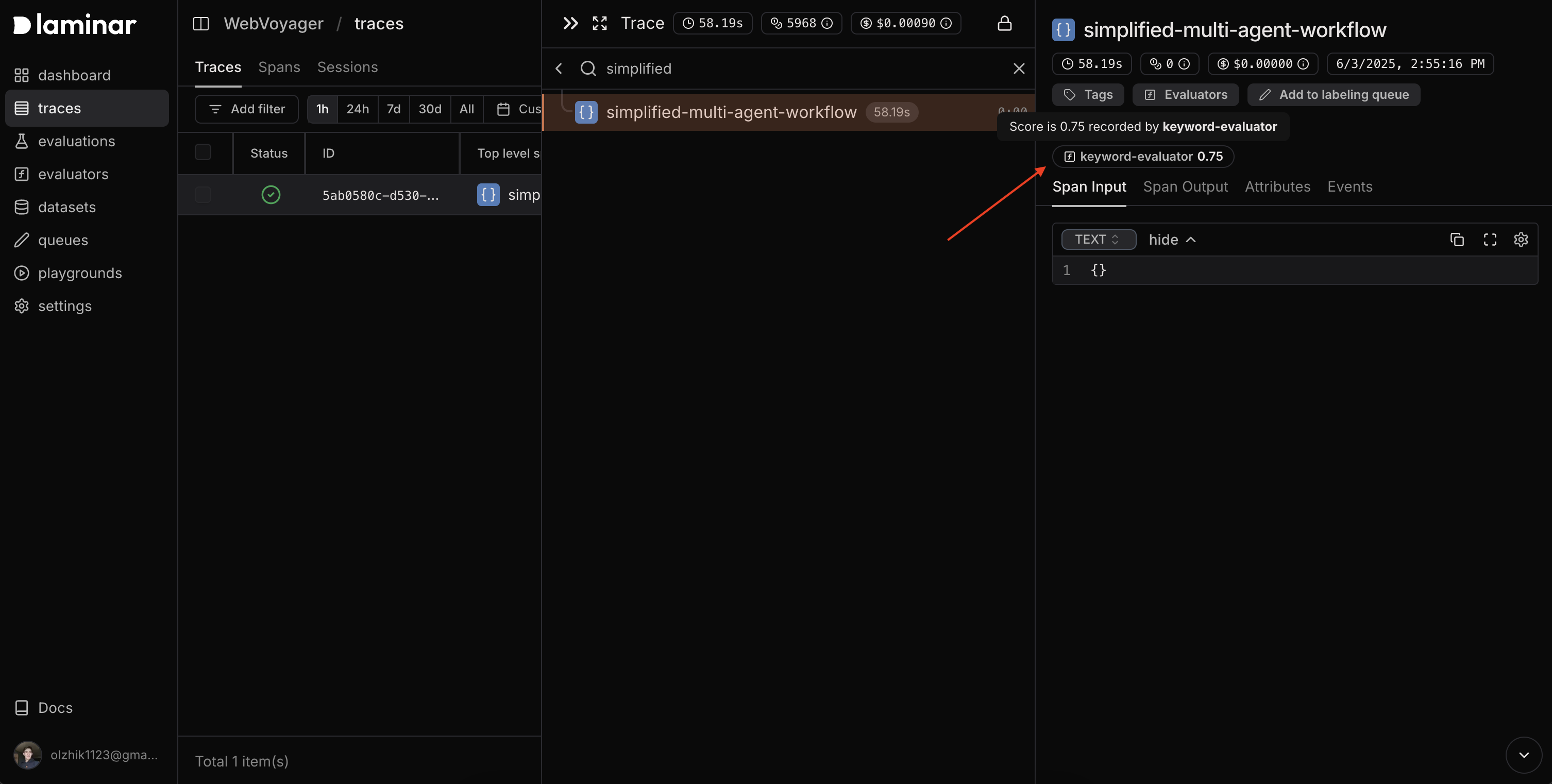
// Score by trace ID (attaches to root span)
await laminarClient.evaluators.score({
  name: "quality",
  traceId,
  score: 0.95,
  metadata: { model: "gpt-4" }
});

// Score by span ID (attaches to that span)
await laminarClient.evaluators.score({
  name: "relevance",
  spanId,
  score: 0.87
});