
Slack
The Slack integration lets you receive real-time notifications in your Slack channels when signal events occur. Once connected, notifications work across all projects in the workspace.Slack integration is available on paid plans only.
Connect Slack
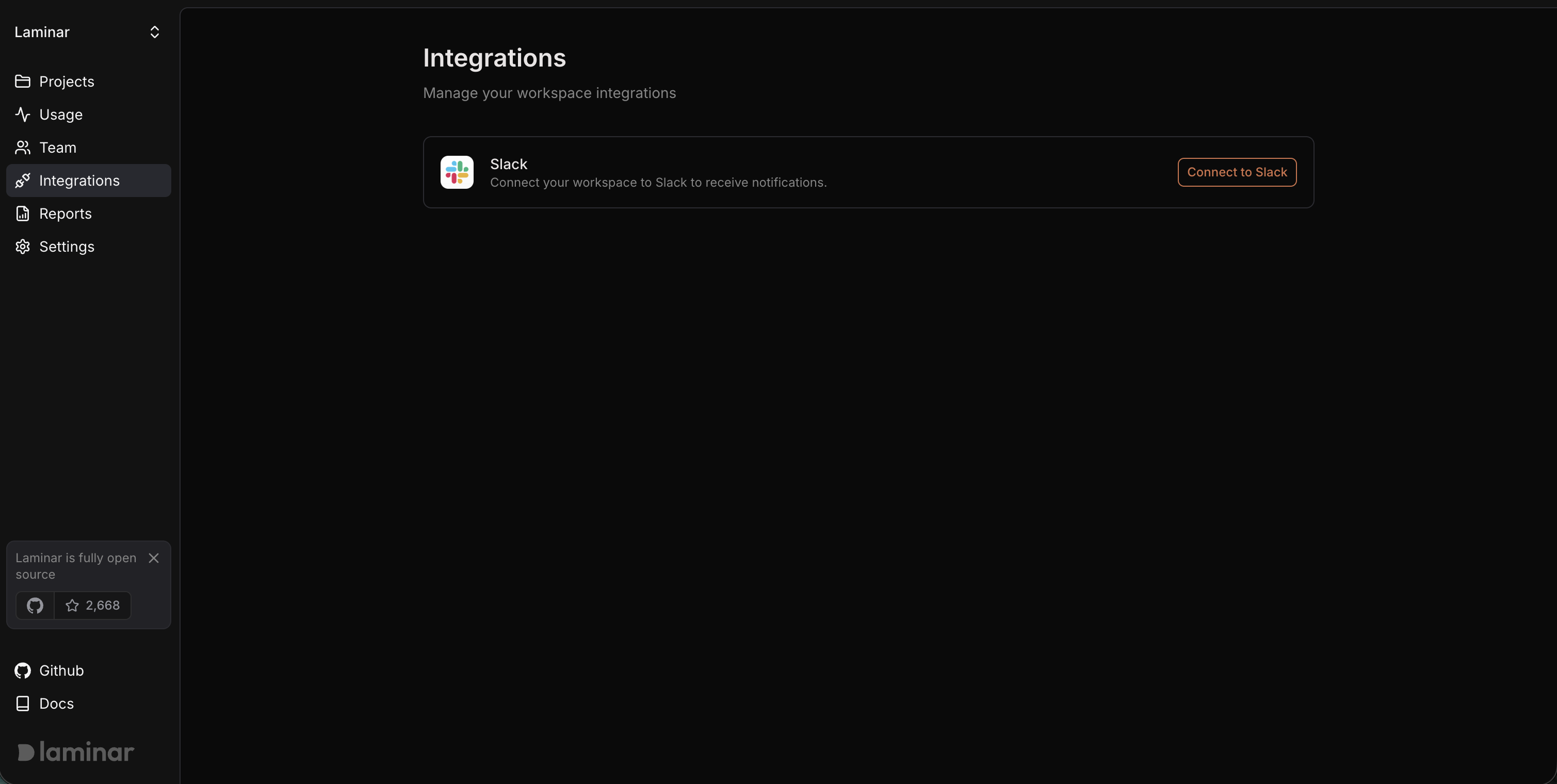
- Go to your Workspace page and select Integrations from the sidebar.
- Find the Slack card and click Connect to Slack.
- You will be redirected to Slack’s authorization page. Select the Slack workspace you want to connect and click Allow.
- After authorization, you will be redirected back to Laminar. The Slack card will show a Connected badge with your Slack workspace name.
Remove Slack integration
- Go to your Workspace page and select Integrations from the sidebar.
- On the connected Slack card, click the dropdown menu (three dots).
- Select Remove.
- Confirm the removal in the dialog.
What you can do with Slack connected
- Alerts — Create per-project alerts that send Slack notifications to a channel of your choice whenever a signal event is detected.