
Laminar sends periodic summary reports to your email so you can keep track of signal activity across all projects in a workspace without opening the dashboard.
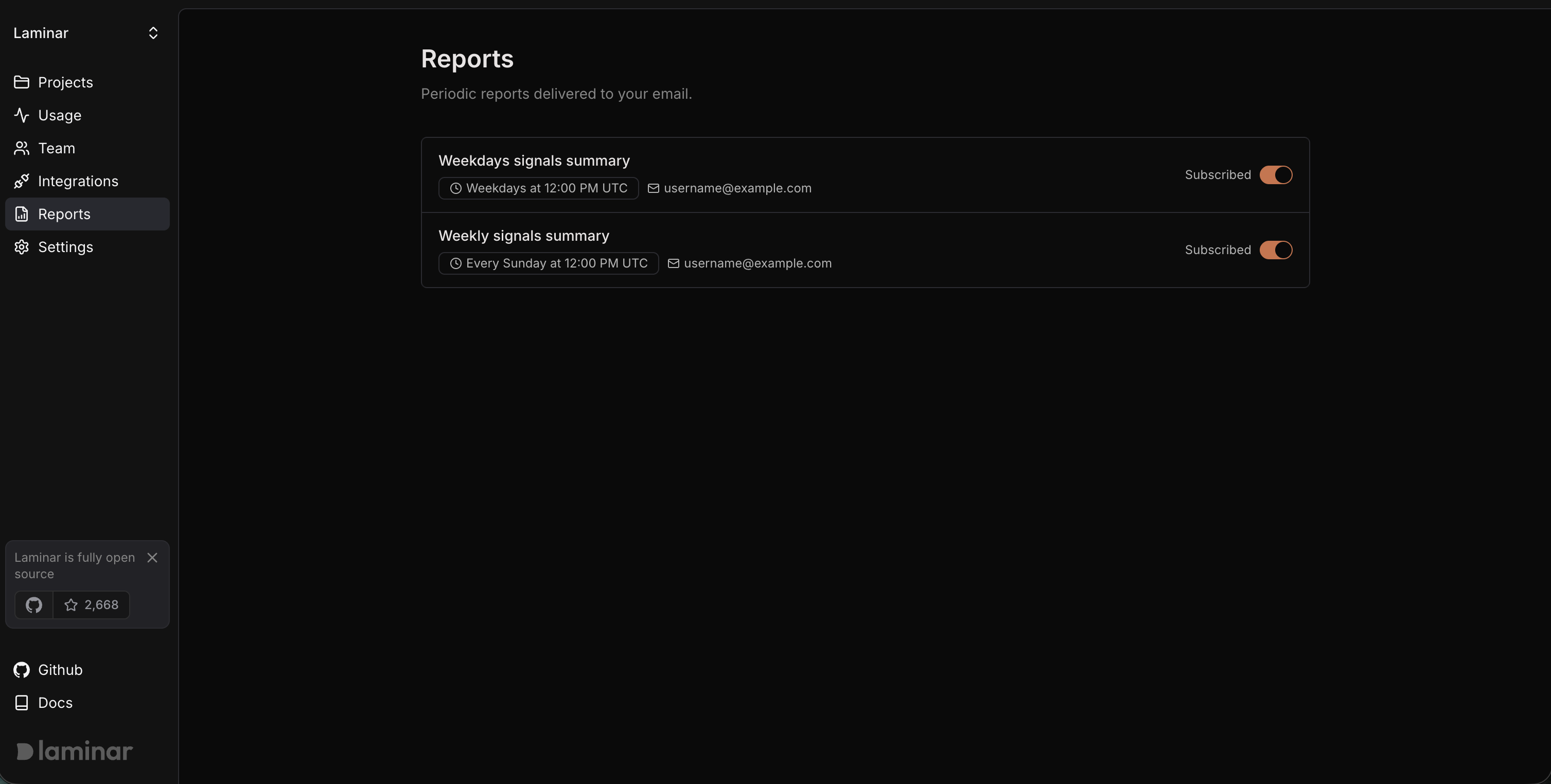
Workspace reports page showing available report subscriptions

Default subscriptions

When you create your first workspace, Laminar automatically subscribes you to two reports:
  • Weekdays signals summary — Delivered on weekdays (Monday through Friday) summarizing signal events from the previous day.
  • Weekly signals summary — Delivered once a week (Sunday) summarizing signal events from the previous week.
Both reports cover all projects in the workspace and are sent to the email address associated with your account.

Manage report subscriptions

  1. Go to your Workspace page and select Reports from the sidebar.
  2. You will see the list of available reports with their delivery schedule.
  3. Use the toggle switch next to each report to subscribe or unsubscribe.
When subscribed, the report card shows your email address and a Subscribed badge. When you unsubscribe, you will stop receiving that report until you re-enable it.

What is included in a report

Each report summarizes signal events across every project in the workspace for the relevant time period. This gives you a quick overview of detected patterns, recurring issues, and notable activity without needing to check each project individually.