
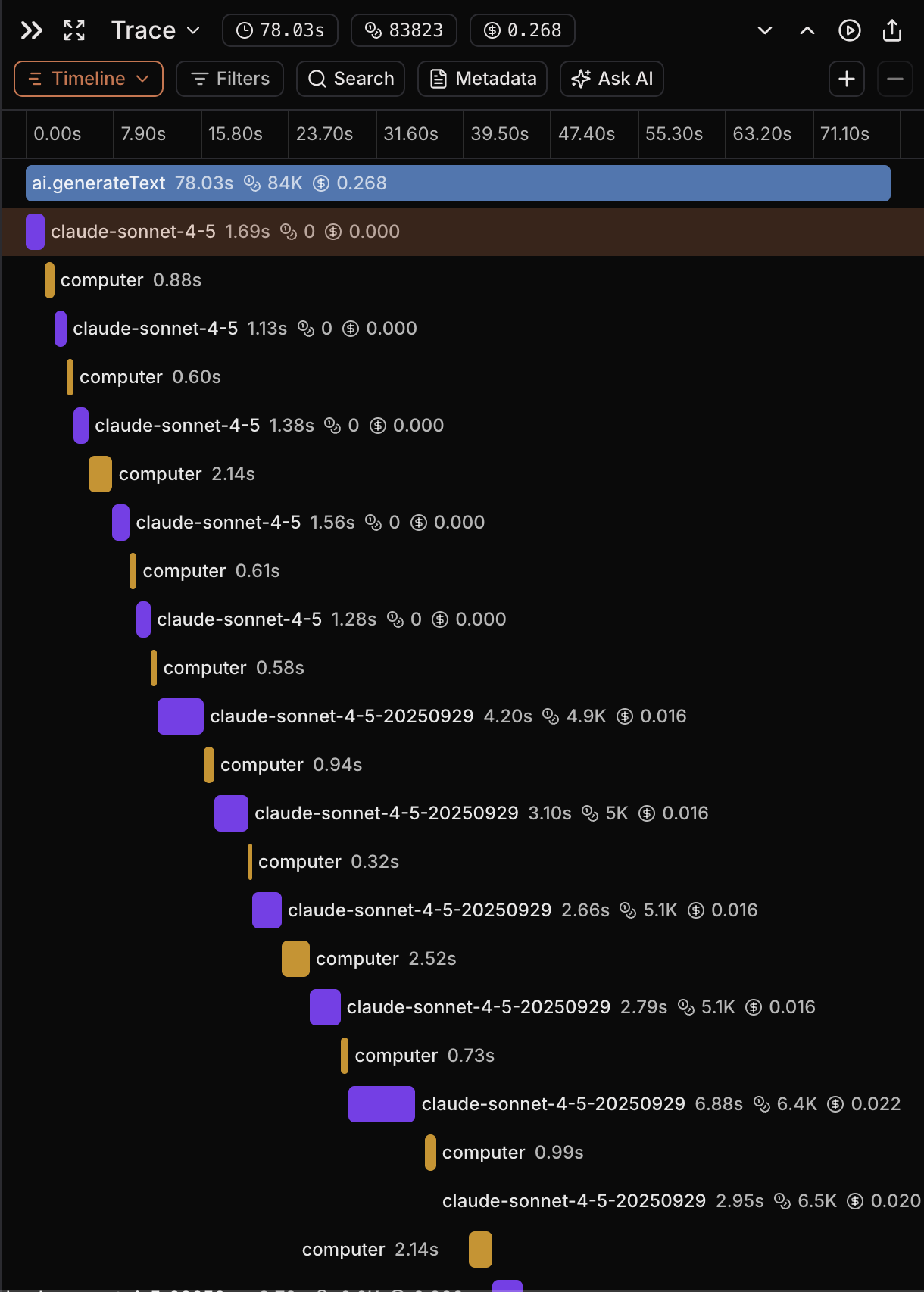
- Set a session ID at the trace level so all spans in a trace share it.
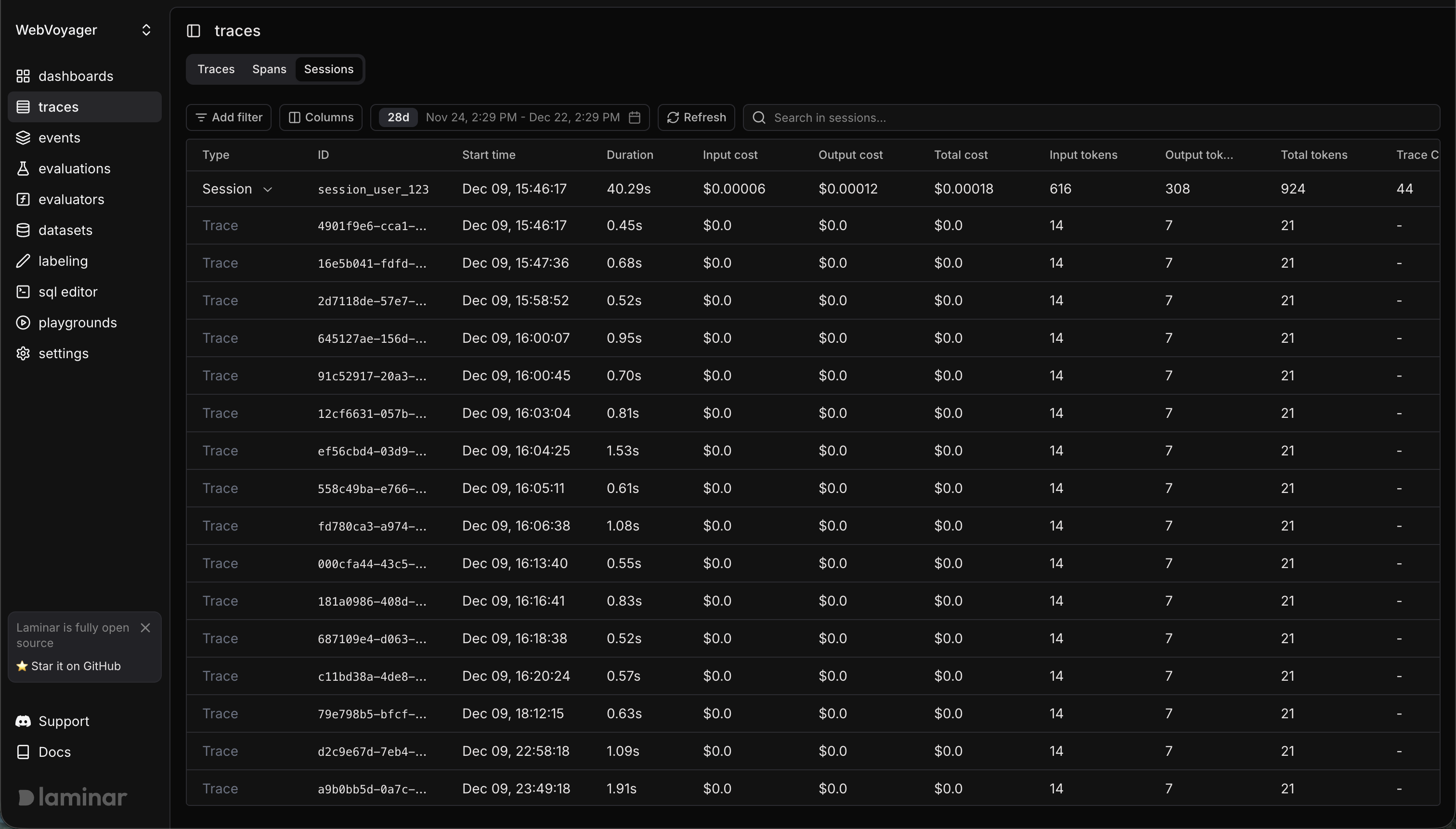
- Use the Sessions view in the Laminar UI to review all traces in the same session.
You must set the session ID inside a span context so it can attach to the current trace (for example, inside an
@observed function / observe() call, or by passing sessionId / session_id via observe options).What is a Session?
A trace usually represents one request / one conversational turn. A session groups multiple traces that belong to the same higher-level flow (for example, an entire chat conversation or checkout process).Example
- TypeScript
- Python
observe(..., { sessionId }) and Laminar.setTraceSessionIdViewing Sessions in Laminar
- Navigate to the Traces page
- Select the Sessions tab
- Click a session to expand and see all traces within it
Common Patterns
- Chatbots: session =
conversation_id, trace = one user turn. - Workflows: session =
checkout-{userId}, trace = each step (validateCart,processPayment,createOrder).